
Free for Members, always.
A Member account is free. Members never pay for TryMyPro. Your trust network is yours.
Not strangers. Not algorithms. When you need a plumber, electrician, or landscaper, TryMyPro shows you who people in your network already trust — the providers they’ve actually used and rated.
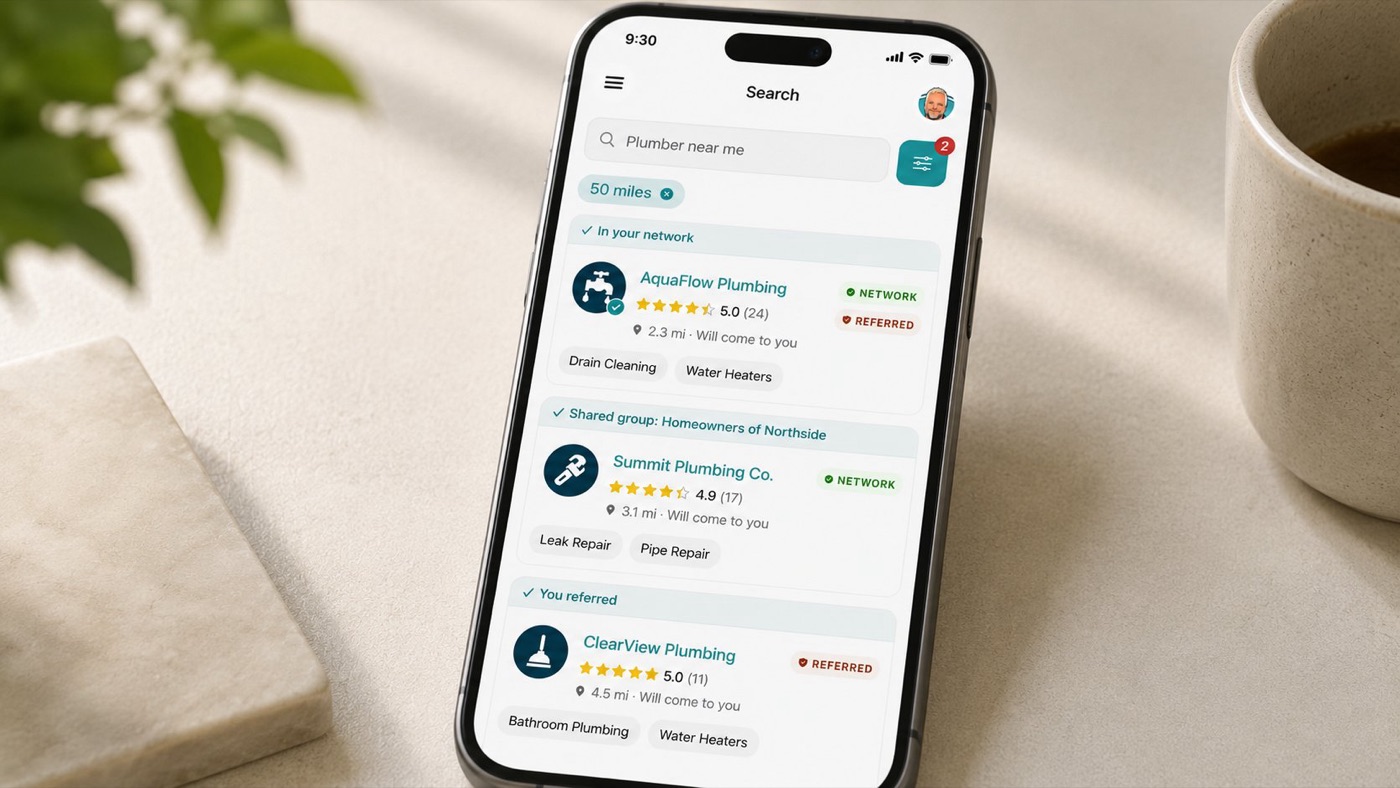
Sign up with your name, mobile number, and email. Don’t forget to verify your account with the code sent via text and email—it’s quick and easy!
Invite friends, family, and colleagues you trust. Share your personal QR code or invite link. The bigger your network, the more Trusted Providers you’ll find when you search. Only add people whose recommendations you’d act on.
After a job, your provider’s professional will ask you to rate their work. One form: star rating, optional written review, and a referral toggle — all at once. No app needed. The whole thing takes under a minute.
By referring a Provider or Professional, you’re putting your “stamp of approval” indicating others should trust them.
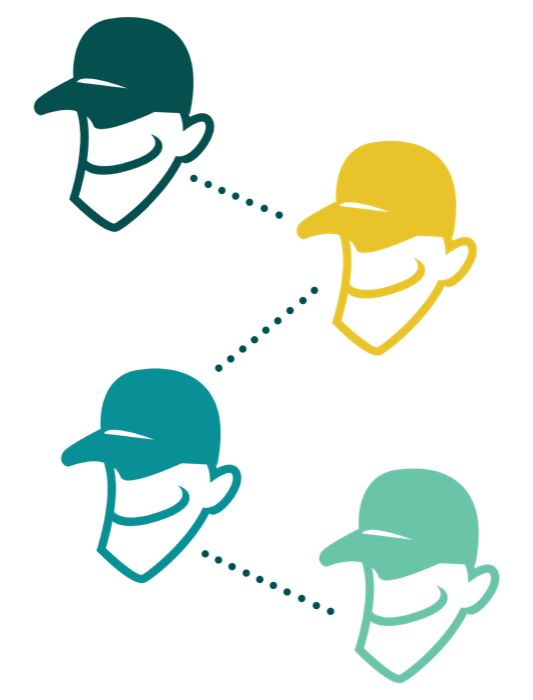
When you need a service, search by category and location. Filter to show only Trusted Providers — businesses that have been referred by someone in your network. These aren’t strangers. They’re businesses the people you trust have already vouched for.
A Trusted Provider is one that has been referred by at least one person in your personal network. The trust indicator is relational, not algorithmic.
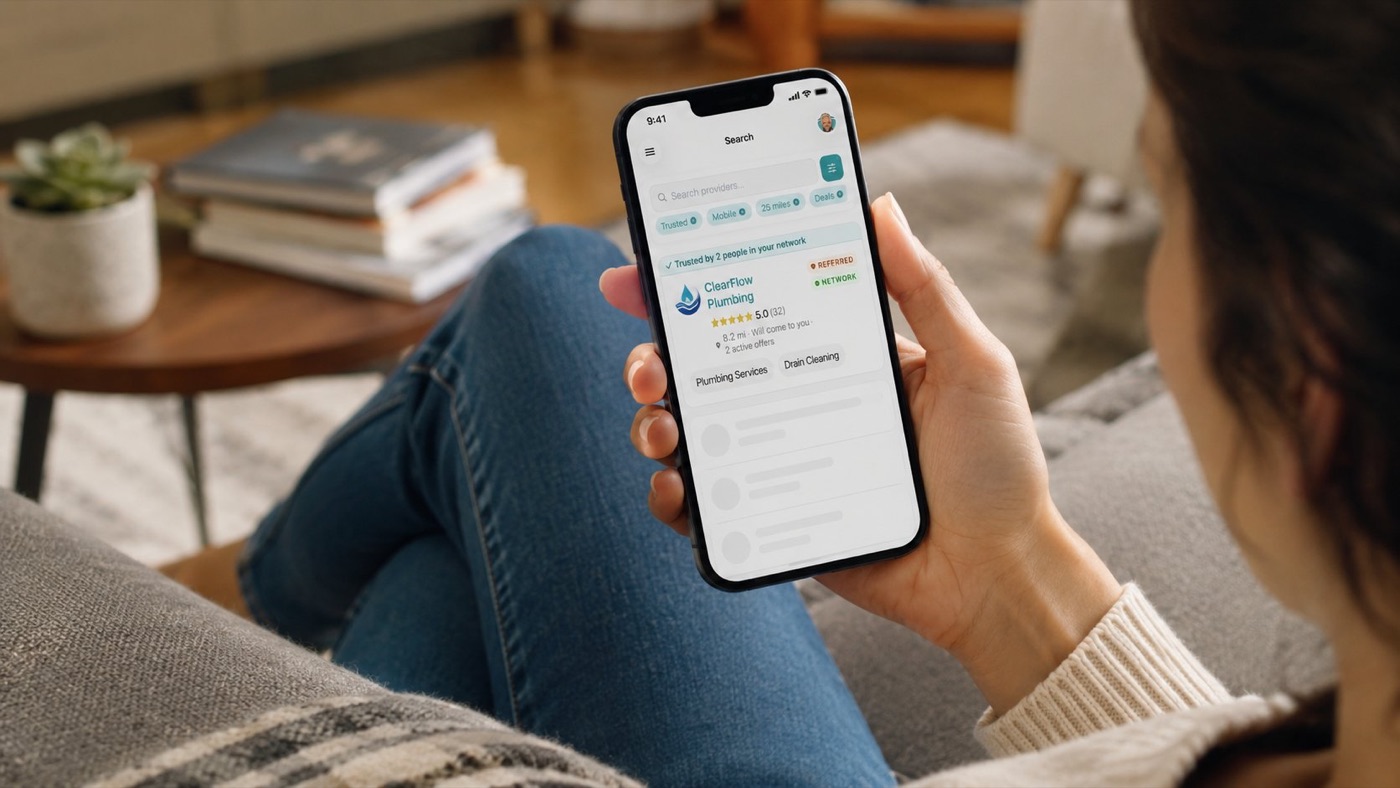
Providers you follow can share exclusive offers, discounts, and tips directly to you. You decide who you follow. No algorithm. No ads. You’ll only see offers from providers you’ve approved.
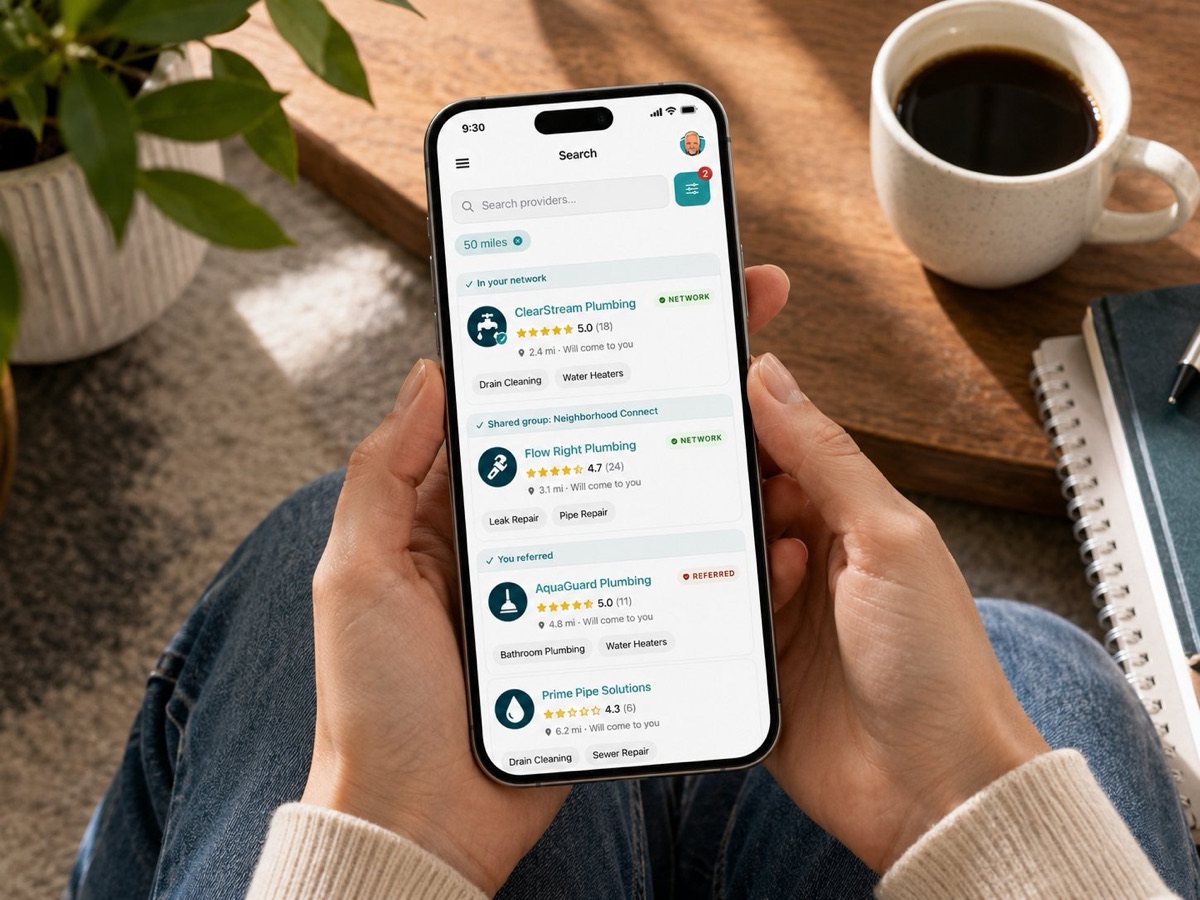
A Member account is free. Members never pay for TryMyPro. Your trust network is yours.
Members can rate both the Provider (the business) and the Professional (the individual). These are separate, independent ratings.
A Trusted Provider has been referred by at least one real person in your network. Not ranked by an algorithm. Not sorted by ad spend.
It’s your own circle of trust! This network includes friends, family, and the providers they recommend. When you search for a service, providers referred by your network show up as Trusted.
Use the Search tab, enter the location and service you need, and filter results to show only Trusted Providers referred by your network.
• Provider: A business offering a service (e.g., a plumbing company)
• Professional: An individual frontline worker from that business (e.g.,the plumber who fixed your sink)
Invite more friends and family to join your network, or refer providers you’ve worked with before. The bigger your network, the more Trusted Providers you’ll find.
Absolutely! You can rate and review both the business and the individual professional who helped you.
No way! Your Member account is 100% free.
Easy! Import contacts from your phone, or share your personal QR code or invite link. You can send invites via text, email, or even social media.
Yes, but TryMyPro is all about trust. That’s why you’ll only see referrals from people in your network marked as Trusted Providers.
Head to the Reviews tab in the app, find your review, and make any changes you need Easy-peasy!
Never! Your trust is at the core of TryMyPro. We don’t share or sell your data—ever.
Reach out to our friendly support team via email at support@trymy.pro. We’re here to help!
Free for Members. Always.